

 EN
EN CHI
CHI How to Add IP in API Access List in Public Cloud/Dedicated Cloud.
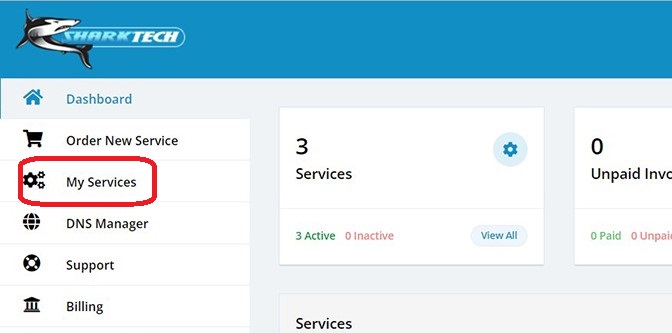
- Log in to your Sharktech Client Area and click on "My Services".
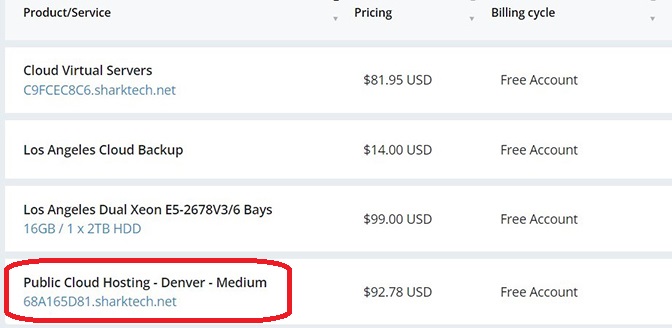
- Select Public Cloud Hosting.
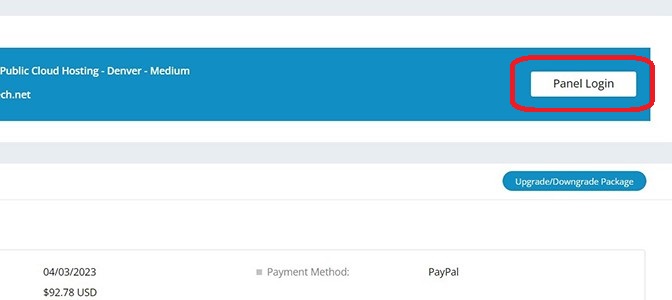
- At the top of your page, click the button "Panel Login." Click on it.
- A new window or tab will be opened, asking for your Username and Password.
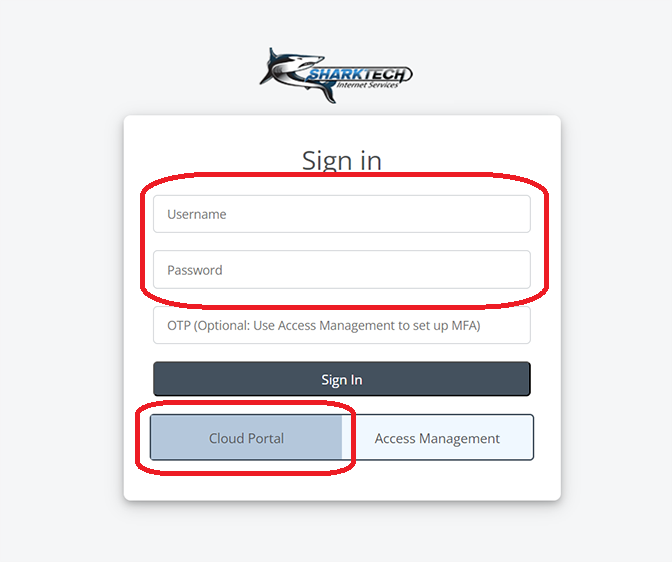
- Enter the username and password you received in the email, or you can check on the customer portal.
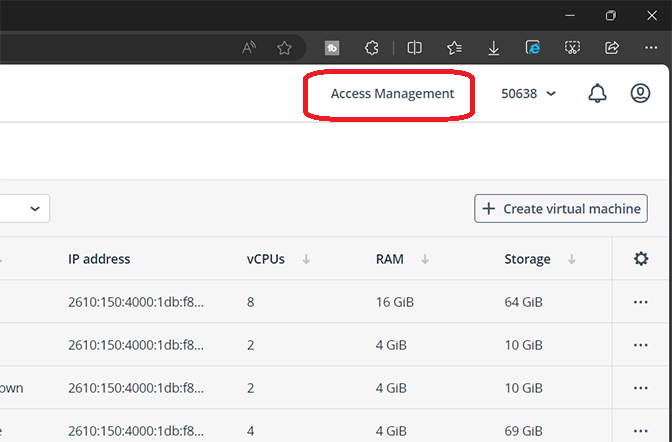
- Go to the Access Management option on the top right.
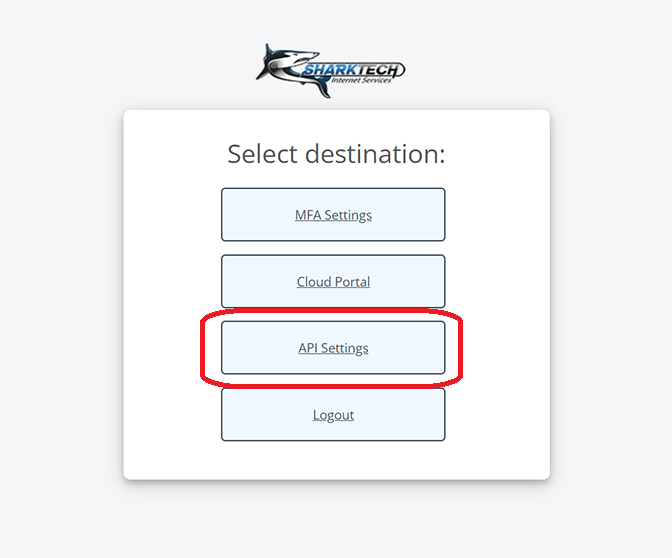
- There will be several options; click on APi settings.
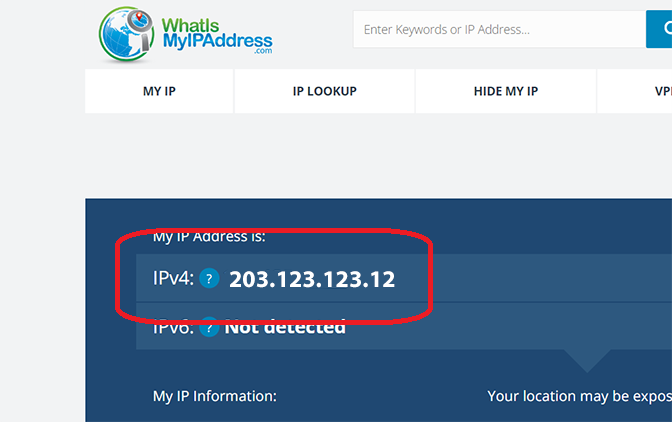
- Open IPinfo.io and copy your IP address from there
- Paste and IP address in IP Access List section and click on Add IP.
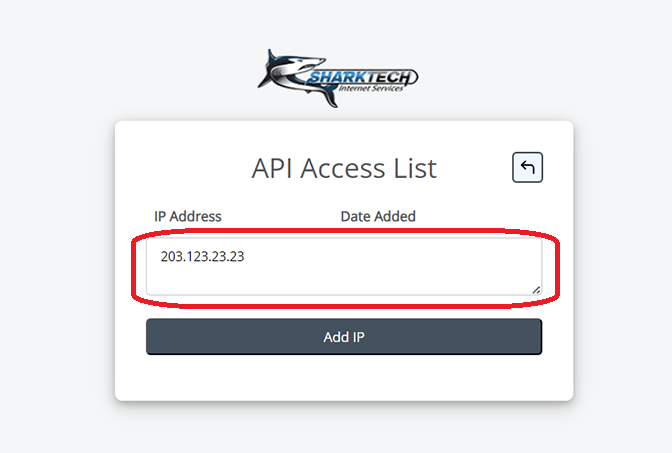
- Your IP will be added to the API Access list.
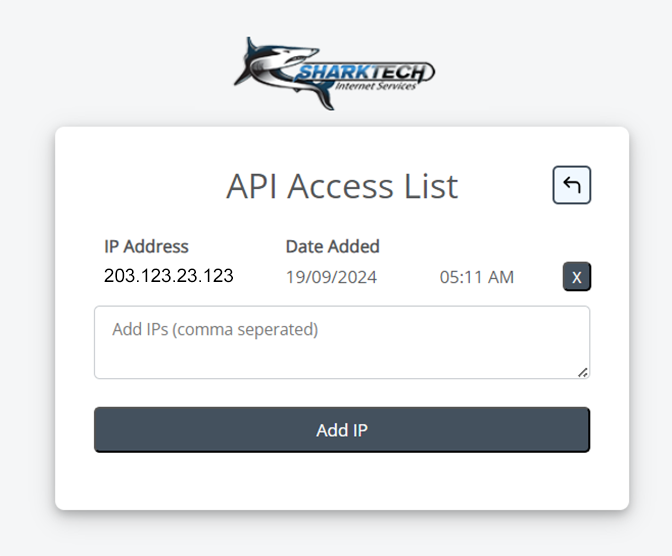
- You're Done.
If you still need any help, please feel free to Submit Ticket to our Cloud Hosting Section.