

 EN
EN CHI
CHI How to Rebuild Virtual Server.
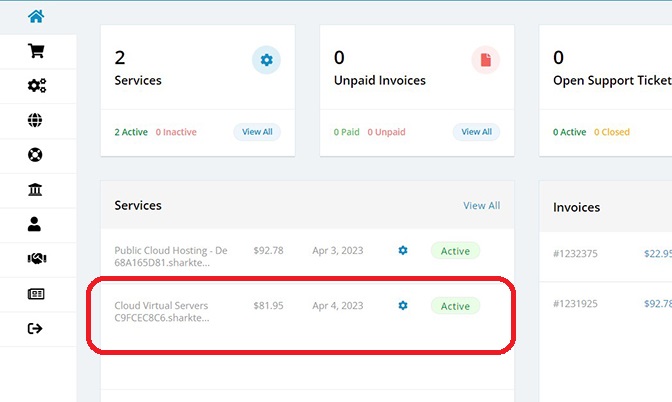
- Log in to your Sharktech Client Area and click on Cloud Virtual Server in the Services Section.
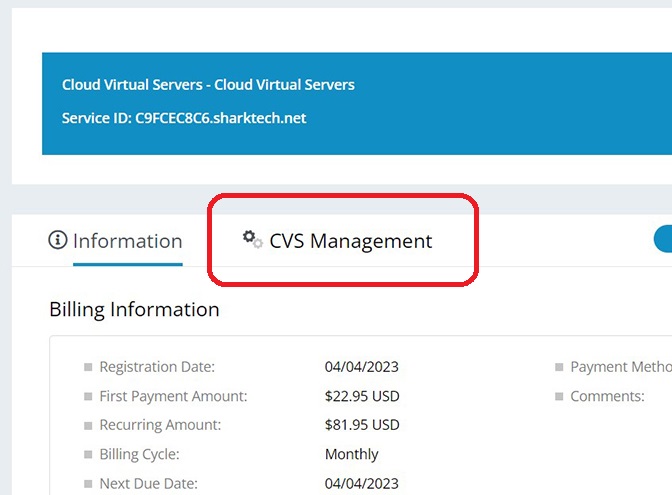
- Click on "CVS Management."
- Click on Manage
 icon
icon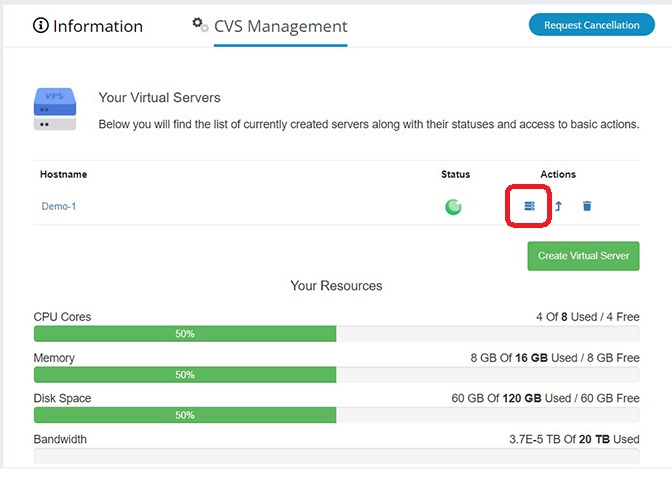
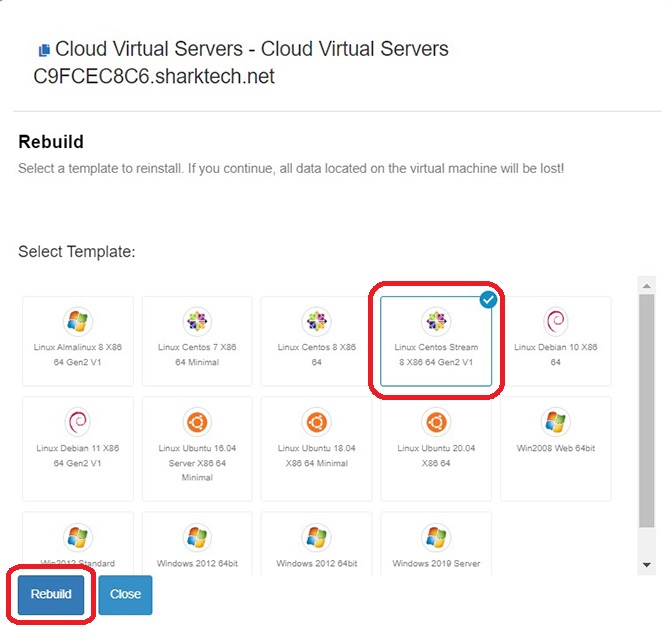
- Click on Rebuild
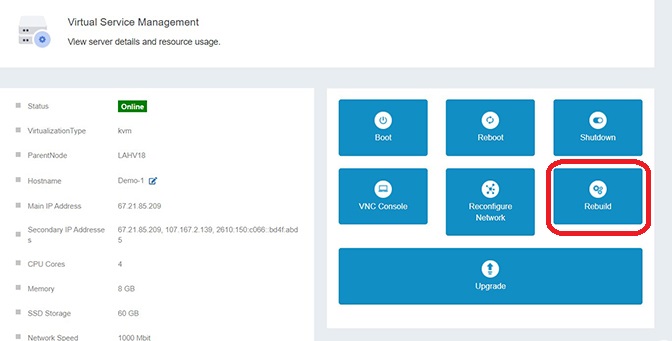
- Select your Operating System and click on Rebuild button.
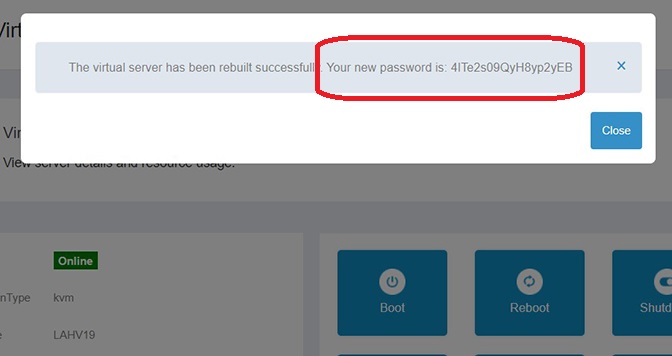
- In few moments, your Virtual Server will be Rebuild and a New Password will be shown.
- You're Done.
If you still need any help, please feel free to Submit Ticket to our CVS/VPS Support.